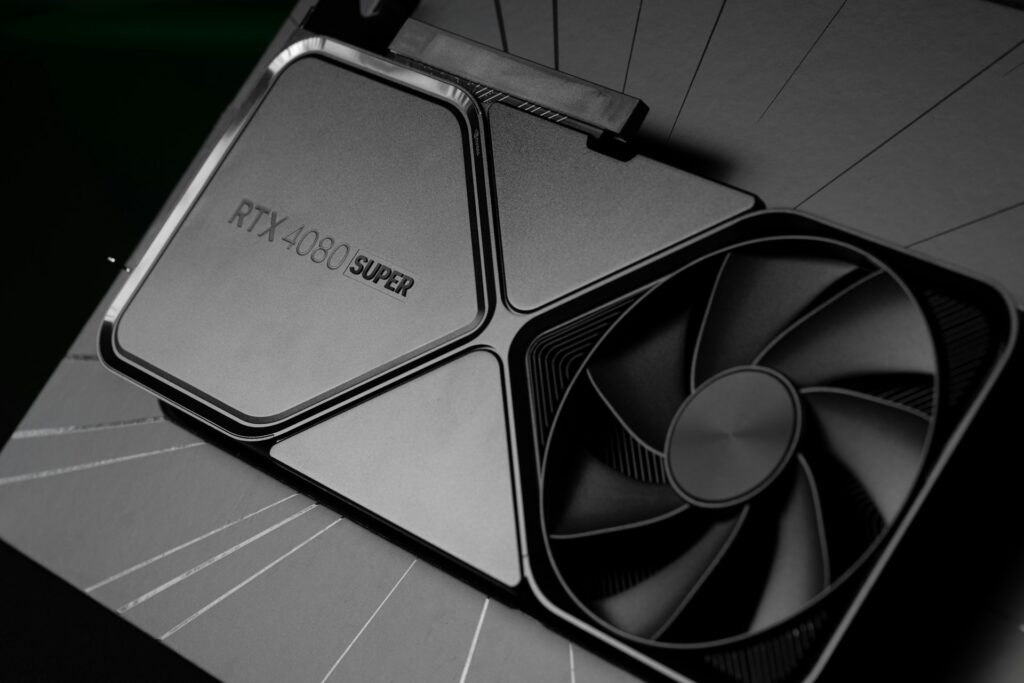
Graphics Card Repair: When is it needed?
When your computer starts crashing during games, showing strange visual artifacts, or suddenly stops displaying video altogether, the graphics card may be the problem. Nerds On Call provides graphics card repair, GPU troubleshooting, and desktop computer repair services and graphics card replacement services for desktop computers, gaming PCs, and high-performance workstations.
We help diagnose video card issues including overheating, driver crashes, black screens, poor gaming performance, display problems, and failing GPUs. If your graphics card needs replacement, we can help you choose and install a compatible upgrade that fits your system and budget.
Whether you use your computer for gaming, video editing, CAD software, streaming, or everyday use, our technicians can help identify the cause of graphics-related problems and recommend the best solution.
Need help with a graphics card problem? Contact a Nerd today for a free estimate.
Common GPU Problems We Fix
Graphics card and GPU issues can show up in a lot of different ways. Sometimes the problem is hardware-related, while other times it may be caused by overheating, outdated drivers, power supply issues, or software conflicts.
Common problems we help diagnose include:
- Black screen or no display output
- Graphics artifacts or distorted visuals
- Crashing during games or 3D applications
- GPU overheating and excessive fan noise
- Computer freezing under heavy load
- Display driver crashes and update failures
- HDMI or DisplayPort connection issues
- Low gaming performance or sudden FPS drops
- Blue screens related to graphics drivers
- Graphics card not being detected
- Multiple monitor problems
- Random restarts while gaming
Our technicians work with NVIDIA GeForce, AMD Radeon, and integrated graphics systems across a wide range of desktop computers and gaming PCs.
While we do not perform chip-level graphics card repair or internal GPU component repair, we can diagnose graphics-related issues and help determine whether troubleshooting, cleaning, cooling improvements, or replacement is the best option.
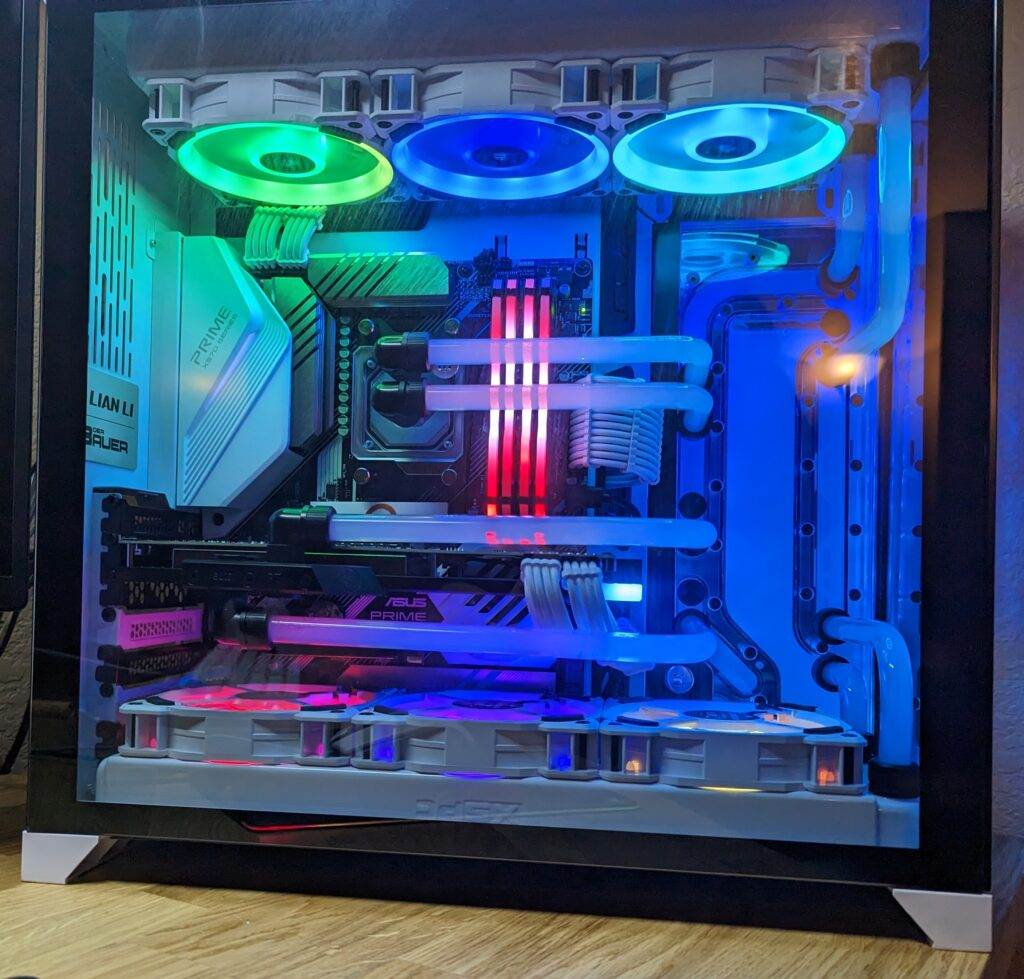
Signs Your Graphics Card May Be Failing
A failing GPU does not always fail all at once. In many cases, graphics card problems start gradually and become worse over time.
Some common warning signs include:
- Screen Artifacts: Colored blocks, flashing textures, lines across the screen, or distorted graphics can indicate GPU instability or overheating.
- Crashes During Gaming: If your computer crashes, freezes, or restarts while gaming or using demanding software, the graphics card or power delivery system may be struggling under load.
- Overheating Problems: Excessive heat buildup inside the computer can cause graphics issues, performance throttling, or unexpected shutdowns.
- Loud or Failing GPU Fans: Grinding noises, rattling fans, or poor airflow can lead to overheating and instability.
- Driver Errors: Frequent driver crashes, display flickering, or repeated “display driver stopped responding” messages may point to GPU-related problems. In these cases, our computer diagnostics page can help identify the root cause.
- No Display Output: If the computer powers on but the monitor stays black, the issue could involve the graphics card, motherboard, power supply, cabling, or monitor connections.
Graphics Card Diagnostics & Troubleshooting
Graphics problems are not always caused by a failed graphics card. Many issues that appear to be GPU failure can actually be related to software, airflow, drivers, or power delivery.
Our troubleshooting process may include:
- Graphics driver diagnostics and updates
- Windows display troubleshooting
- GPU temperature testing
- Dust and airflow inspection
- Power supply testing
- PCIe seating and connection checks
- BIOS and firmware review
- Multi-monitor diagnostics
- Stress testing under load
- Compatibility checks for upgrades
In some cases, cleaning dust buildup or replacing failing fans can dramatically improve graphics performance and system stability.
If the graphics card itself has failed, we can help recommend a replacement that is compatible with your motherboard, power supply, and performance goals.
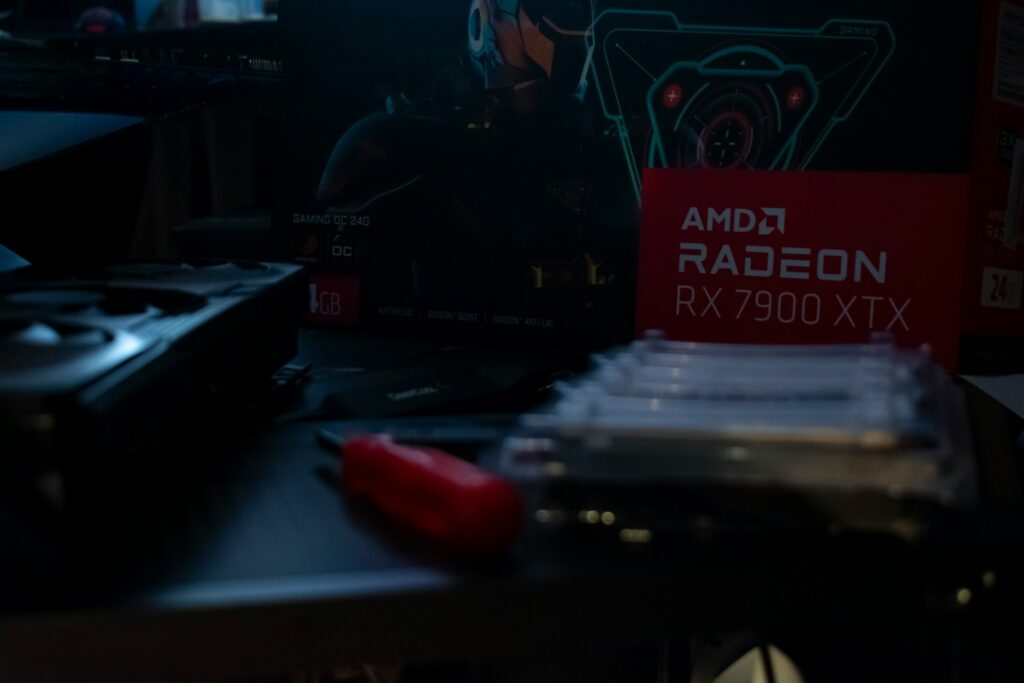
Repair or Replace Your Graphics Card?
Not every graphics problem requires a brand-new GPU. Sometimes the issue can be resolved through troubleshooting, cooling improvements, or software repairs.
Repair and Troubleshooting May Make Sense If:
- Drivers are corrupted or outdated
- Dust buildup is causing overheating
- The graphics card became loose during transport
- Cooling fans are failing
- Power delivery issues are causing instability
- The system has software conflicts
In many cases, professional graphics card repair and troubleshooting can resolve stability or overheating problems without requiring a full system replacement.
Replacement May Be the Better Option If:
- The graphics card hardware has failed
- The GPU crashes consistently under load
- The card no longer supports modern software or games
- Performance is no longer meeting your needs
- Replacement is more cost-effective than continued troubleshooting
Our technicians can help you determine whether repairing the underlying issue or upgrading the graphics card makes the most sense for your computer and budget.
Graphics Card Upgrades for Gaming PCs & Workstations
Upgrading your graphics card can significantly improve gaming performance, video editing, streaming, 3D rendering, and multi-monitor productivity. For more advanced setups, we also offer custom PC builds to ensure all components work together for optimal performance.
We can help install and configure modern GPUs including:
- NVIDIA GeForce RTX graphics cards
- AMD Radeon GPUs
- Entry-level and high-performance gaming cards
- Workstation graphics solutions
- Multi-monitor display setups
Before installing a new GPU, we can also verify:
- Power supply compatibility
- Physical clearance inside the case
- Cooling and airflow requirements
- Driver compatibility
- Motherboard support
- Display connection compatibility
Choosing the right graphics card upgrade depends on your goals, budget, and the rest of your system hardware. We can help you avoid compatibility issues and unnecessary upgrades.
Helpful GPU Driver Resources
Keeping your graphics drivers updated can sometimes resolve crashes, display problems, and performance issues.
Helpful manufacturer resources include:
If you are unsure which drivers are correct for your system, Nerds On Call can help identify and install the appropriate updates safely.
Why Choose Nerds On Call?
Nerds On Call has helped thousands of customers solve computer problems ranging from simple software issues to advanced hardware troubleshooting.
Customers choose us because we provide:
- Friendly, experienced technicians
- Clear explanations without jargon
- Desktop and gaming PC troubleshooting experience
- Help choosing compatible upgrades
- In-home and remote support options
- Honest recommendations without pressure
Our goal is to help you get your computer running reliably again without unnecessary repairs or upgrades.