Xbox Overheating: Causes, DIY Fixes, and When to Call in the Experts
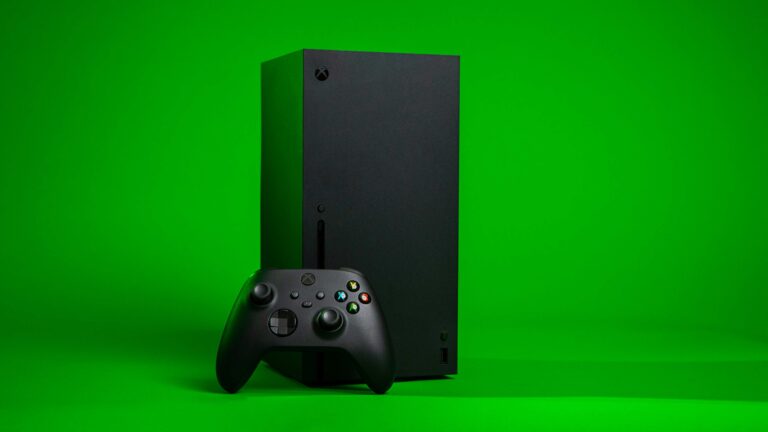
Xbox consoles are powerful gaming systems, but with great power comes heat. Whether you’re grinding through a long campaign or streaming for hours, Xbox overheating problems are more common than you might think—especially if your console is stuck in a cabinet or surrounded by dust. When heat builds up, it can cause performance drops, unexpected shutdowns, and even long-term damage to your hardware. These issues can plague any model—from the original Xbox One to the latest Xbox Series X.
If you’re asking, “Why is my Xbox overheating?”, or searching for solutions like “Xbox One overheating fix” or “Xbox Series X overheating fix”, you’ve come to the right place. In this article, we’ll break down why your Xbox overheats, what DIY fixes you can try at home, and when it’s time to call in the pros for solutions like a professional Thermal Upgrade.
Why Is My Xbox Overheating?
Even though modern Xbox consoles are designed with advanced cooling systems, they’re not immune to overheating. The biggest culprits usually come down to poor ventilation and dust buildup. If your console sits in a tight cabinet or has its vents blocked, hot air can’t escape, and temperatures rise quickly. Dust accumulation makes matters worse by clogging the airflow and forcing fans to work overtime.
Long gaming sessions in warm rooms also contribute, since the cooling system can only do so much when it’s recycling hot air. Over time, aging components can also play a role—especially the thermal paste that transfers heat from the processor to the heatsink. As this material dries out and loses efficiency, the console struggles to keep temperatures in check, leading to performance slowdowns, unexpected shutdowns, or even permanent damage to internal components.
Can My Xbox Overheat, and How Long Can It Run?
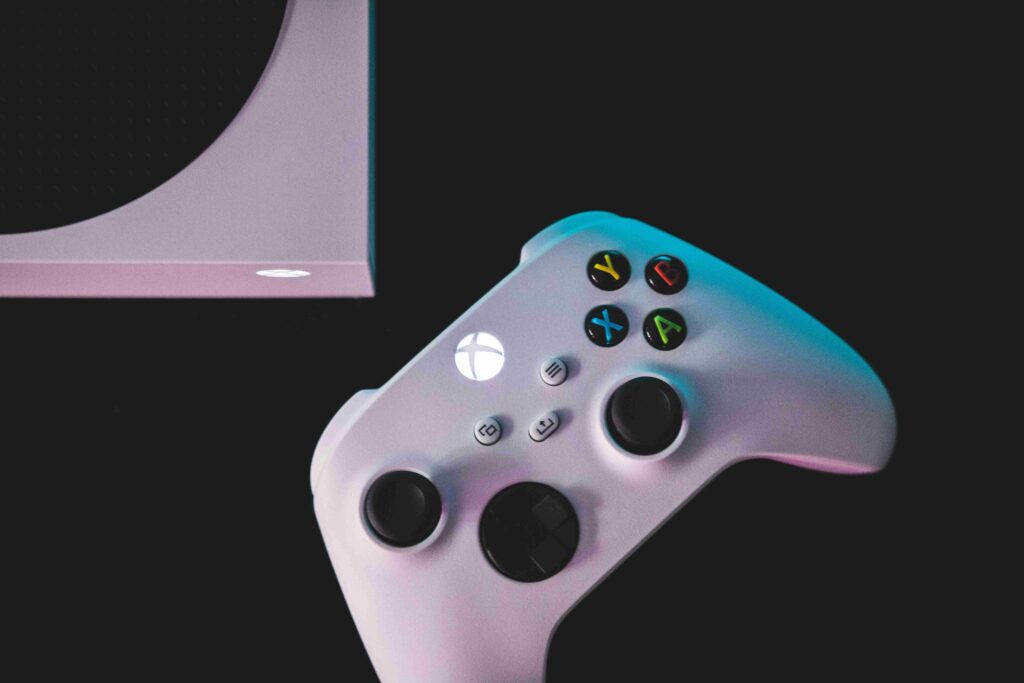
Yes—any Xbox model can overheat. While the Xbox Series X is designed with more efficient cooling than the Xbox One generation, every console still relies on proper airflow and a clean environment to stay safe. If vents are blocked, dust is allowed to build up, or the console is left running for long sessions in a warm room, temperatures can climb quickly.
As for how long an Xbox can run without overheating, there isn’t a set number of hours. In an open, cool room with clean vents, your console can stay powered on for extended sessions. But if it’s trapped in a TV stand or surrounded by dust, heat can build up in as little as a few hours.
Model-Specific Overheating Fixes
- Xbox One (Original, S, and X): These consoles are especially prone to dust buildup and blocked vents. Placing them on carpets or inside closed cabinets accelerates overheating.
- Xbox Series X: While its vertical design helps airflow, the console still needs clearance. Avoid pushing it against walls or stacking other electronics on top.
Across all models, the advice is the same: keep the system in a cool, open space and periodically clear out dust to prevent overheating. For more detailed placement and cleaning tips, check out How-To Geek’s guide.
When DIY Isn’t Enough—Time for Professional Help
Basic fixes like moving your console or cleaning the vents can go a long way, but they don’t always solve deeper issues. If your Xbox continues to shut down, runs hot even when idle, or has a fan that won’t quiet down, it may need professional service.
At that point, a Thermal Upgrade—where old, degraded thermal paste is replaced with a Phase-Change Thermal Material—can make a huge difference. It helps your Xbox run cooler, quieter, and more reliably, extending its overall lifespan.
The Nerds On Call Console Thermal Upgrade
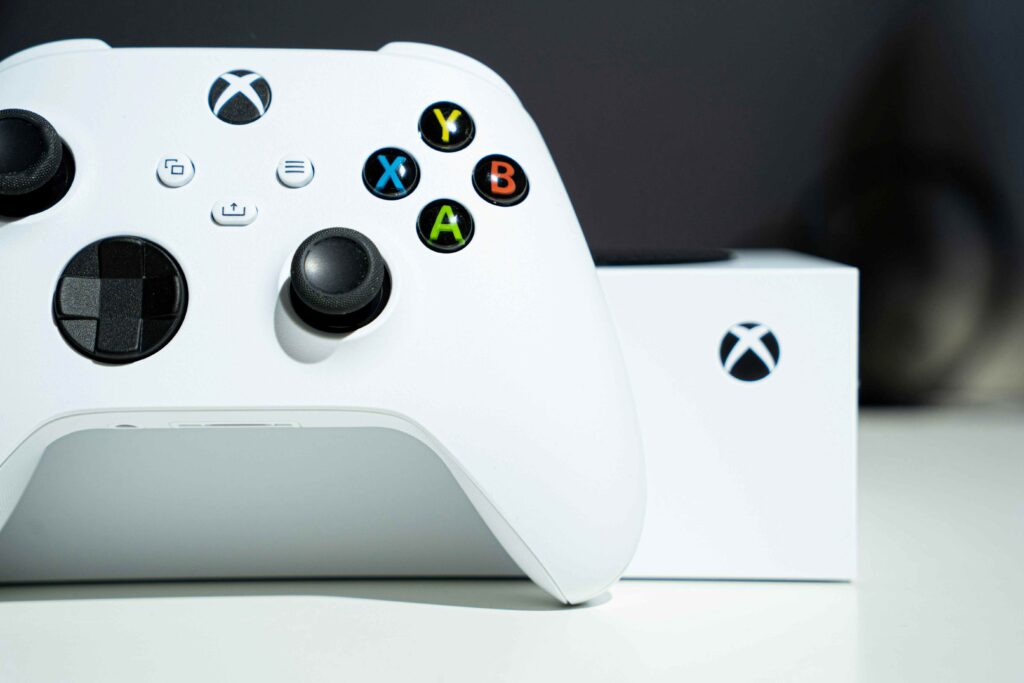
If your Xbox is running hot, our Console Thermal Upgrade Service is designed to address the root causes of overheating and restore peak performance.
What’s Included in the Service:
- Thermal Paste Replacement – We remove the old, degraded paste and apply a premium Phase-Change Thermal Material. This dramatically improves heat transfer from the processor to the heat sink, allowing your console to cool more efficiently.
- Comprehensive Component Inspection – Our technicians test cooling fans and other key hardware to confirm they’re working properly, ensuring your Xbox’s entire cooling system is in top condition.
Why a Thermal Upgrade Works
By improving both heat transfer and airflow, your Xbox can maintain lower internal temperatures—even during demanding gaming sessions. For older systems, this upgrade can deliver a dramatic boost in cooling performance. On newer models like the Series X, it helps the already advanced cooling system operate at peak efficiency, preventing gradual performance decline.
Benefits You Can Expect:
- Cooler and more stable operating temperatures (often 15–25 °C lower)
- Quieter fan operation, even during intense gaming sessions
- Reduced risk of slowdowns, crashes, or sudden shutdowns
- Extended overall lifespan of your console
Why You Shouldn’t DIY This Upgrade
Attempting a thermal upgrade at home can be risky. Without the right tools, expertise, and handling techniques, it’s easy to damage sensitive components or void your warranty. At Nerds On Call, our trained technicians use professional-grade materials and safe, precise methods—so your Xbox runs cooler, quieter, and more reliably for years to come.
Preventing Xbox Overheating After Service
Once your Xbox has been serviced, adopting good maintenance habits can keep it running at optimal temperatures:
- Keep the console in a clean, dust-free location.
- Allow plenty of space for airflow and avoid blocking vents.
- Take occasional breaks during long gaming sessions.
- Regularly dust the exterior and surrounding area.
- Stay current with firmware and game updates.
Contact A Nerd For Xbox Overheating Repair
Xbox overheating is a common but preventable problem. For many gamers, the solution is as simple as improving airflow, clearing dust from vents, or installing the latest system updates. But if Xbox One overheating or Xbox Series X overheating issues continue, the most reliable answer is professional repair.
The Console Thermal Upgrade Service from Nerds On Call goes beyond surface cleaning to fix the root causes of heat buildup. By replacing dried-out thermal paste, cleaning internal components, and ensuring the cooling system is running at peak efficiency, you’ll be able to enjoy longer, cooler gaming sessions without the worry of shutdowns or long-term hardware damage.